
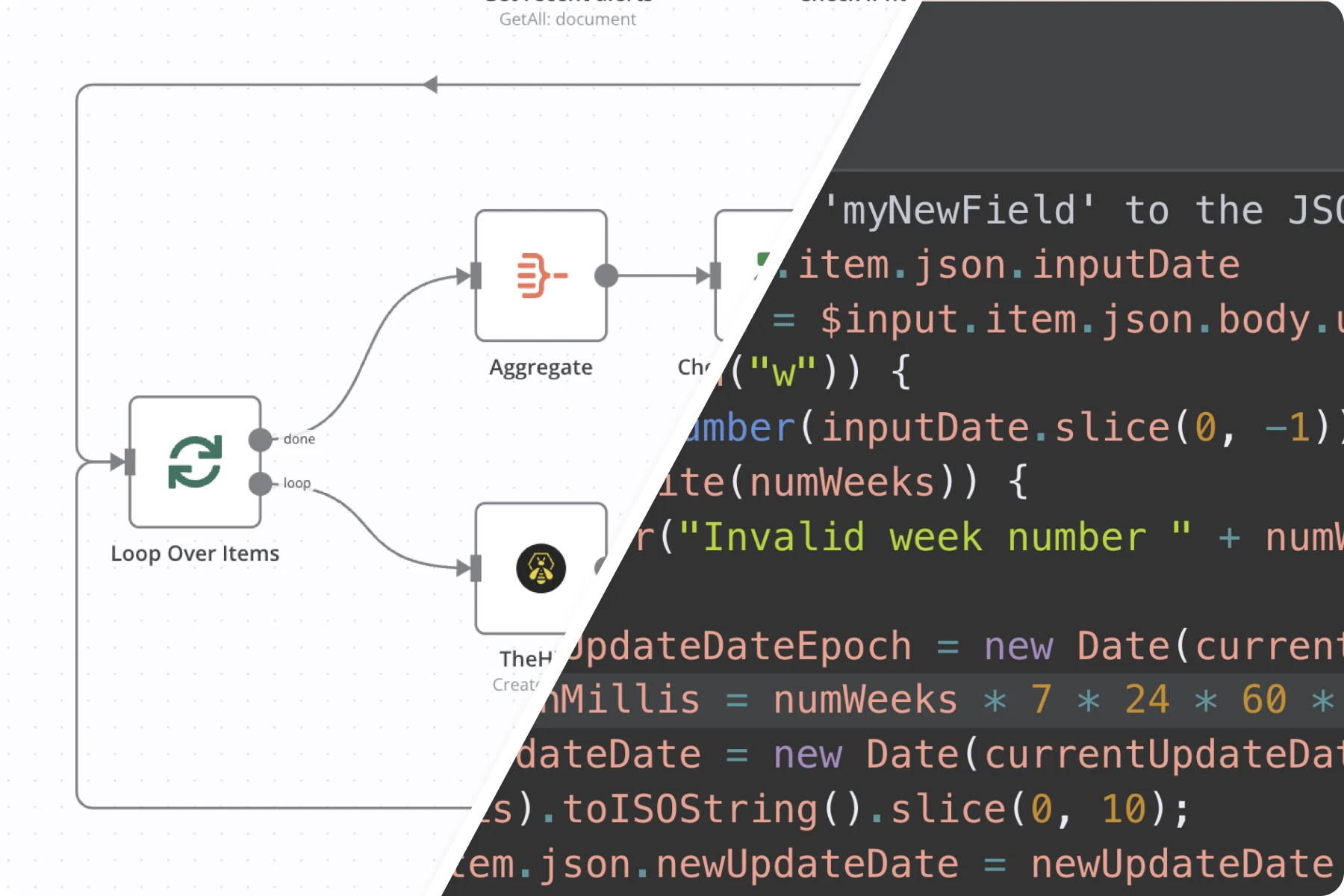
Looking to automate business workflows without dealing with complex server configurations? Check out this step-by-step guide to installing n8n on RepoCloud in just minutes for powerful, cost-effective workflow automation.
Introduction to RepoCloud
RepoCloud.io is a specialized cloud platform for 1-click open-source application deployment. Instead of manually provisioning Linux VPS servers, installing Docker, and configuring reverse proxies, you only need a few clicks to bring your applications live online. RepoCloud supports popular open-source applications such as:
- Deploy n8n: The leading fair-code workflow automation platform.
- WordPress: Build modern websites and blogs effortlessly.
- Metabase: Business intelligence and data visualization dashboards.
Key Advantages of Using RepoCloud:
- High Speed: Deploy full-stack production environments in under 2 minutes.
- Cost Optimization: Transparent usage-based billing with zero expensive fixed maintenance overhead.
- User-Friendly: Intuitive dashboard designed for both developers and non-technical business operators.
- High Reliability: High-performance cloud infrastructure ensuring 99.9% uptime for critical automation workflows.
Why Deploy n8n on RepoCloud?
n8n is one of the most powerful workflow automation tools available today, featuring over 400+ native nodes (Google Sheets, Telegram, Facebook Ads, OpenAI, CRMs). Deploying n8n on RepoCloud offers distinct advantages:
- No manual server maintenance, SSL certificate renewal, or Docker compose troubleshooting.
- Save up to 80% compared to third-party automation tools like Zapier or Make when processing high data volumes.
- Complete data ownership: Your customer data stays private on your dedicated instance.
Step-by-Step Guide to Installing n8n on RepoCloud
Step 1: Sign up for a RepoCloud Account
Visit the official RepoCloud website and register your management account.
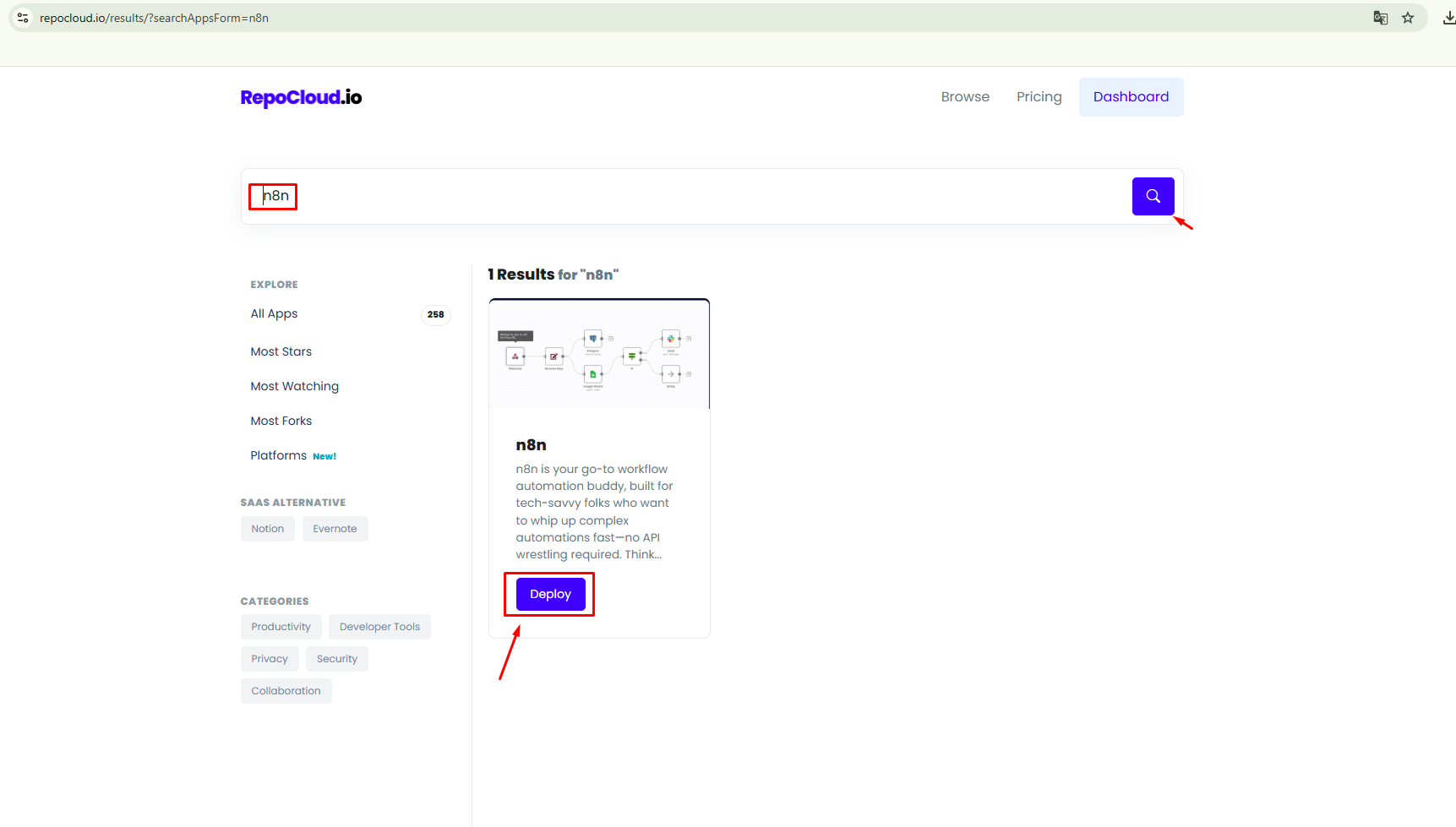
Step 2: Search and Select n8n from the App Store
In the application catalog, navigate to the 1-Click App library and select n8n.
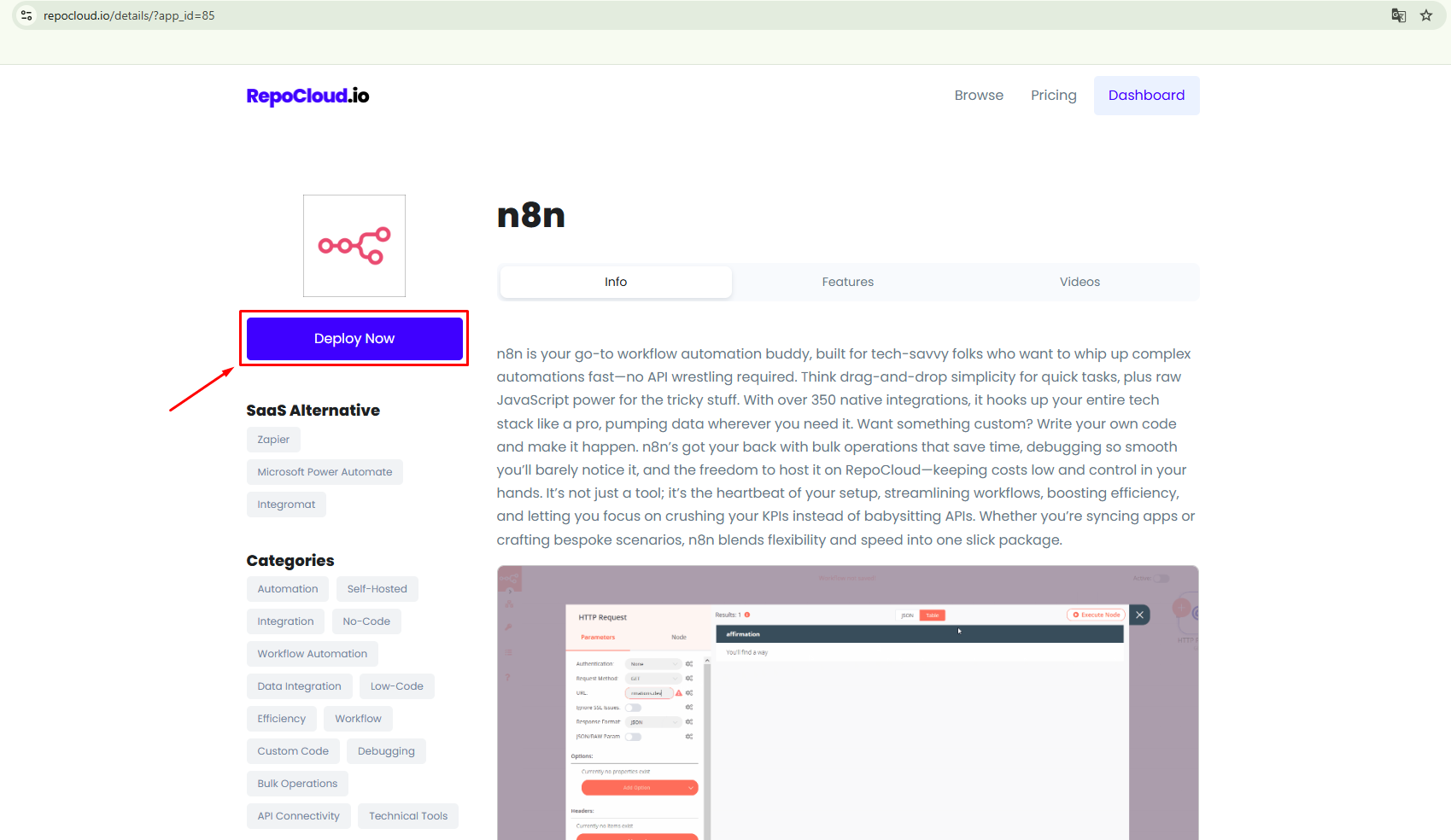
Step 3: Configure Instance Resources
Select your desired compute tier and server region matching your expected workflow volume.
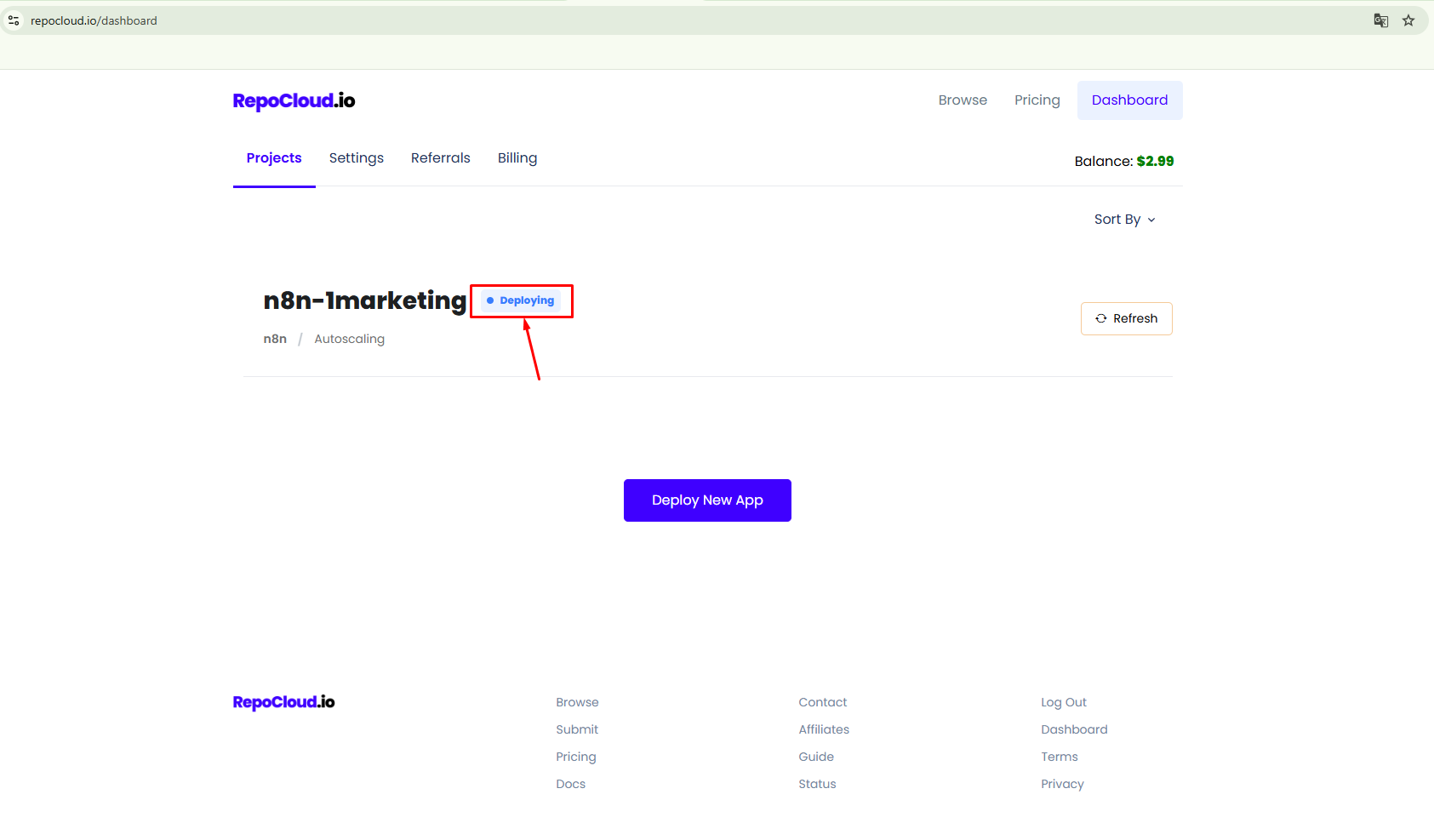
Step 4: Launch and Bind Custom Domain
Click deploy and bind your custom subdomain with automated SSL security certificates.
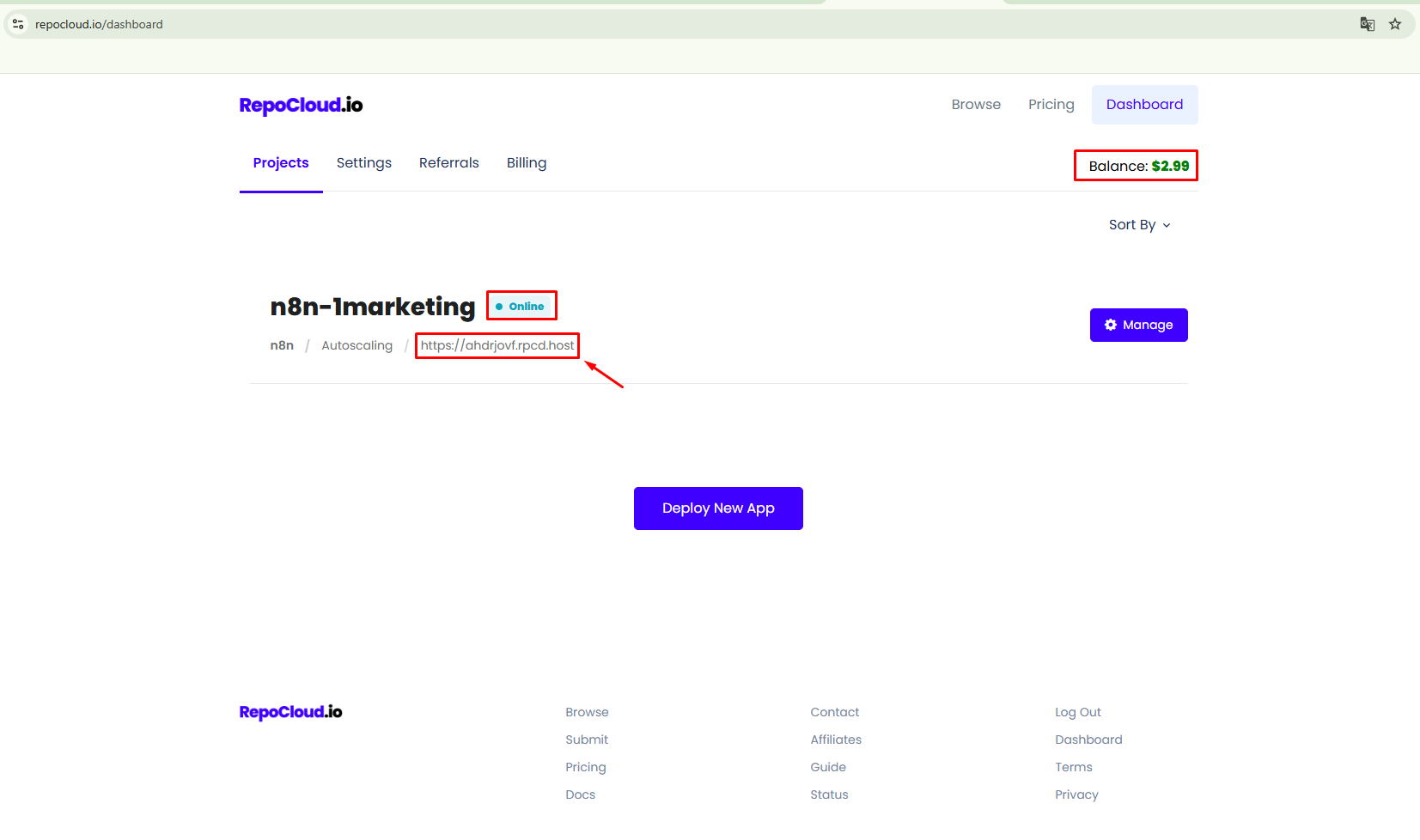
Step 5: Access Your Live n8n Automation Canvas
Log in to the n8n visual editor and start building powerful event-driven workflows immediately.
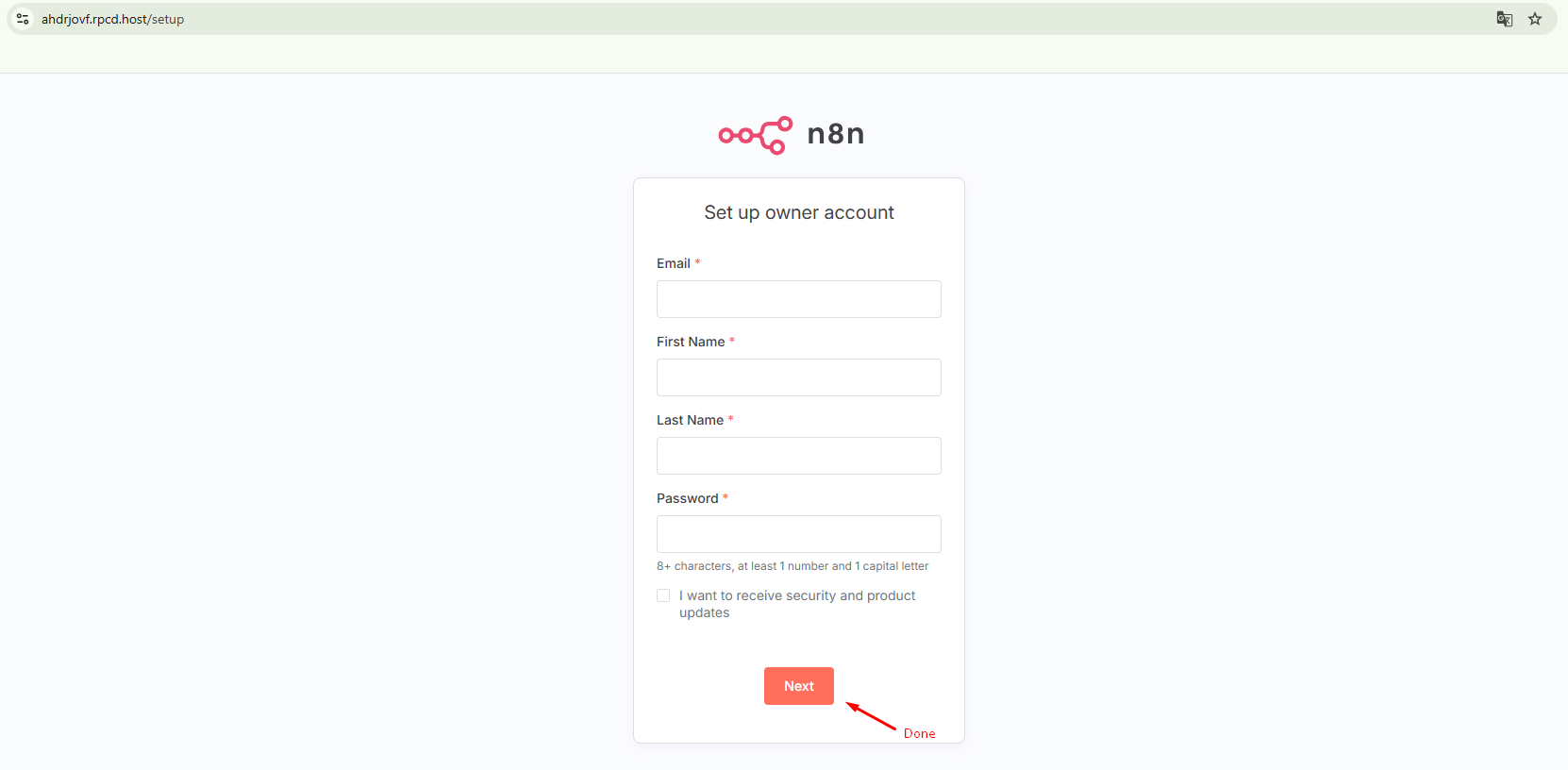
Pro Tips for Maximizing n8n Workflow Efficiency
- Utilize Webhook trigger nodes for real-time lead capture from Facebook Ads and landing pages.
- Integrate OpenAI / Claude nodes to build automated customer support bots and content generation pipelines.
- Set up error notification workflows via Telegram or Slack to detect API failures instantly.
Conclusion
Deploying n8n on RepoCloud is the fastest and most cost-effective path to automating business operations. Contact 1Marketing today if you require enterprise workflow integration and custom automation consulting!